01
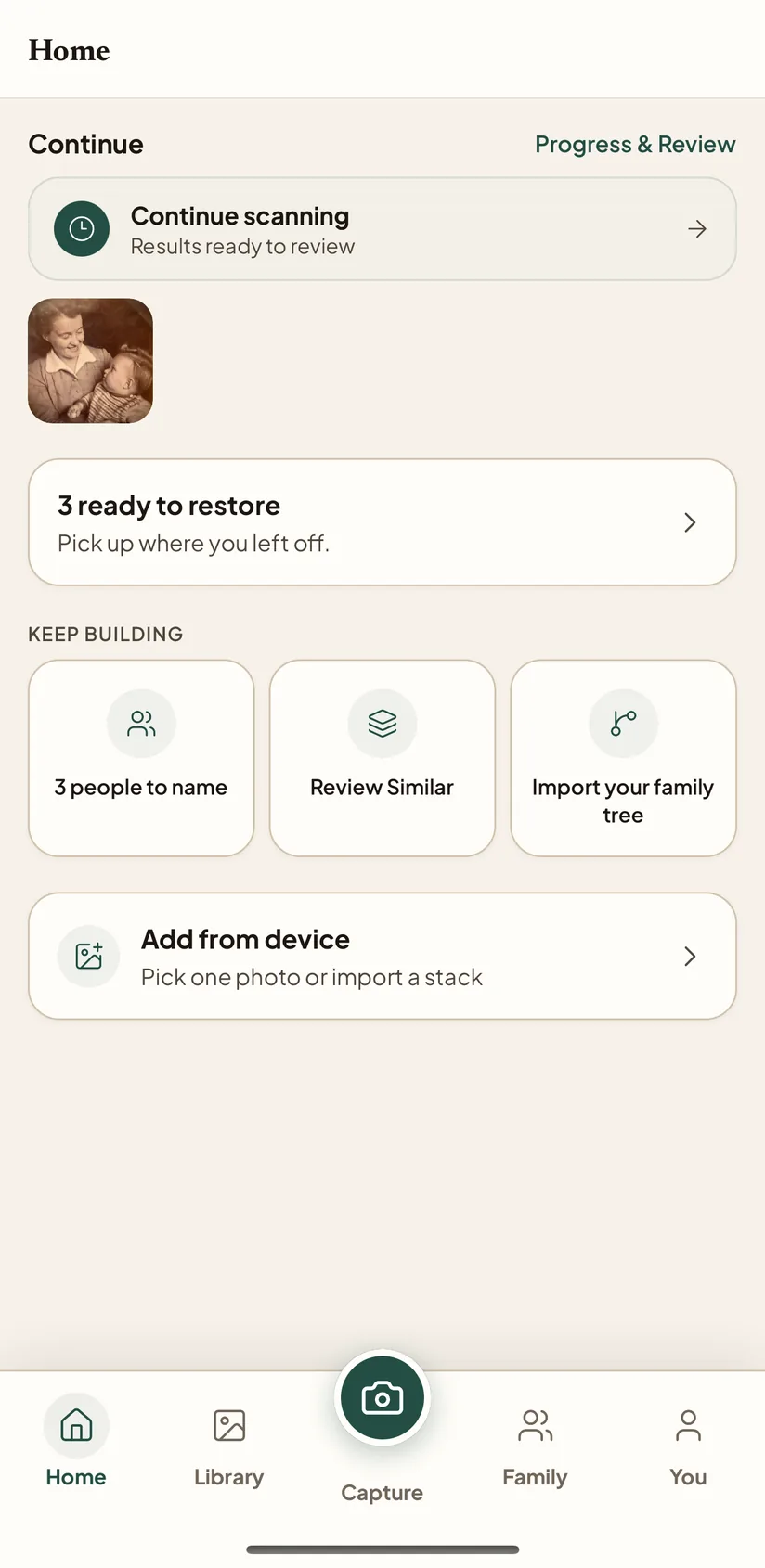
Scan a stack, pick up where you left off
Snap a print with your camera or import from your camera roll, and Home keeps every restore you started so you can pick up where you left off.
iPhone is live on the App Store, the fastest way to scan a print, restore it, and keep the story with it. Find your people by face, relive ‘on this day’ memories, colorize black-and-white prints, and share privately with the family. Android is rolling out through Google Play testing, and web is the companion workspace for bigger archive jobs.
Snap a print with your camera or import from your camera roll, and Home keeps every restore you started so you can pick up where you left off.
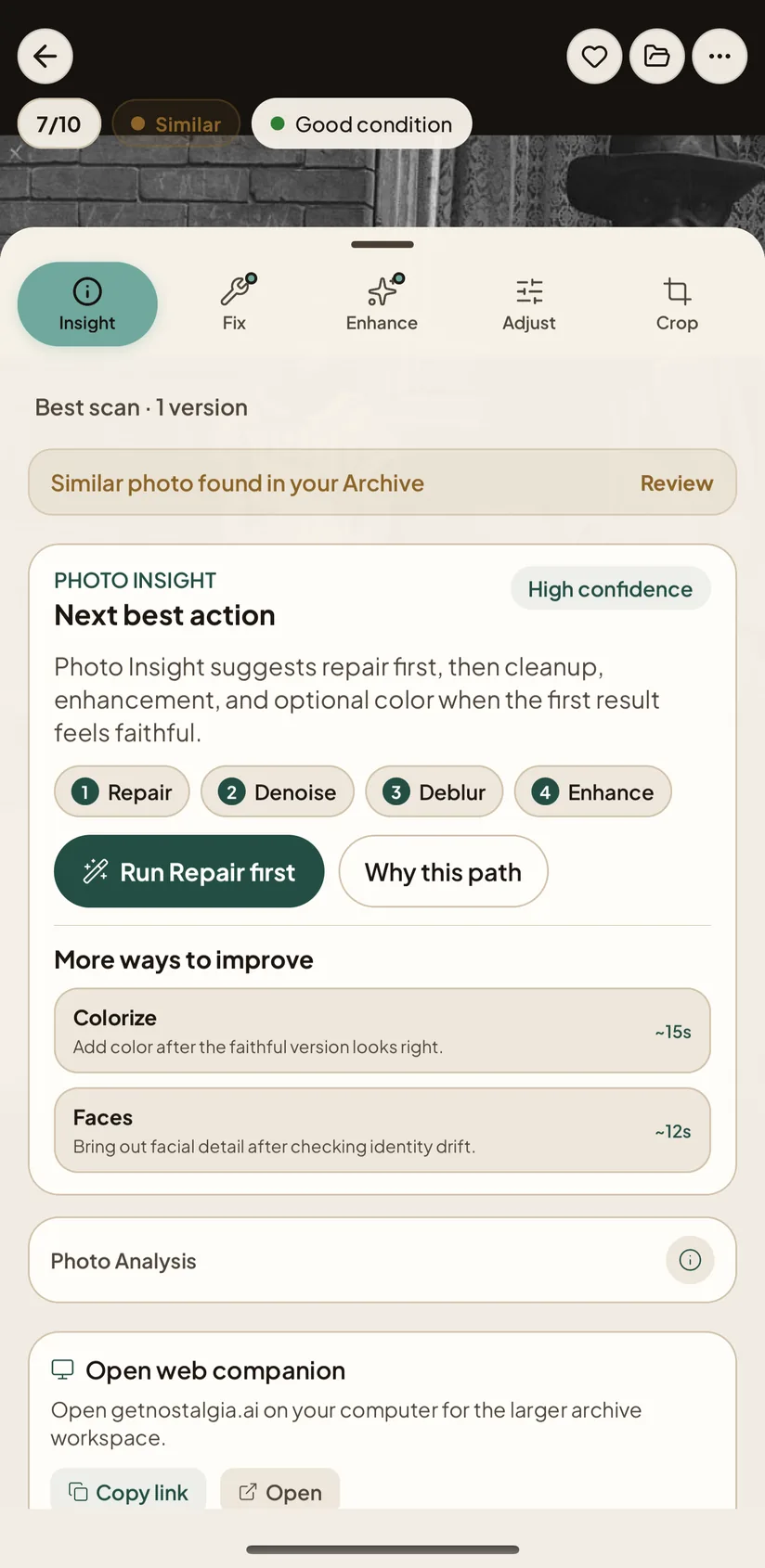
Before you spend a restore, Photo Insight checks the photo and starts with the safest repair, then drafts a caption, date, and story.
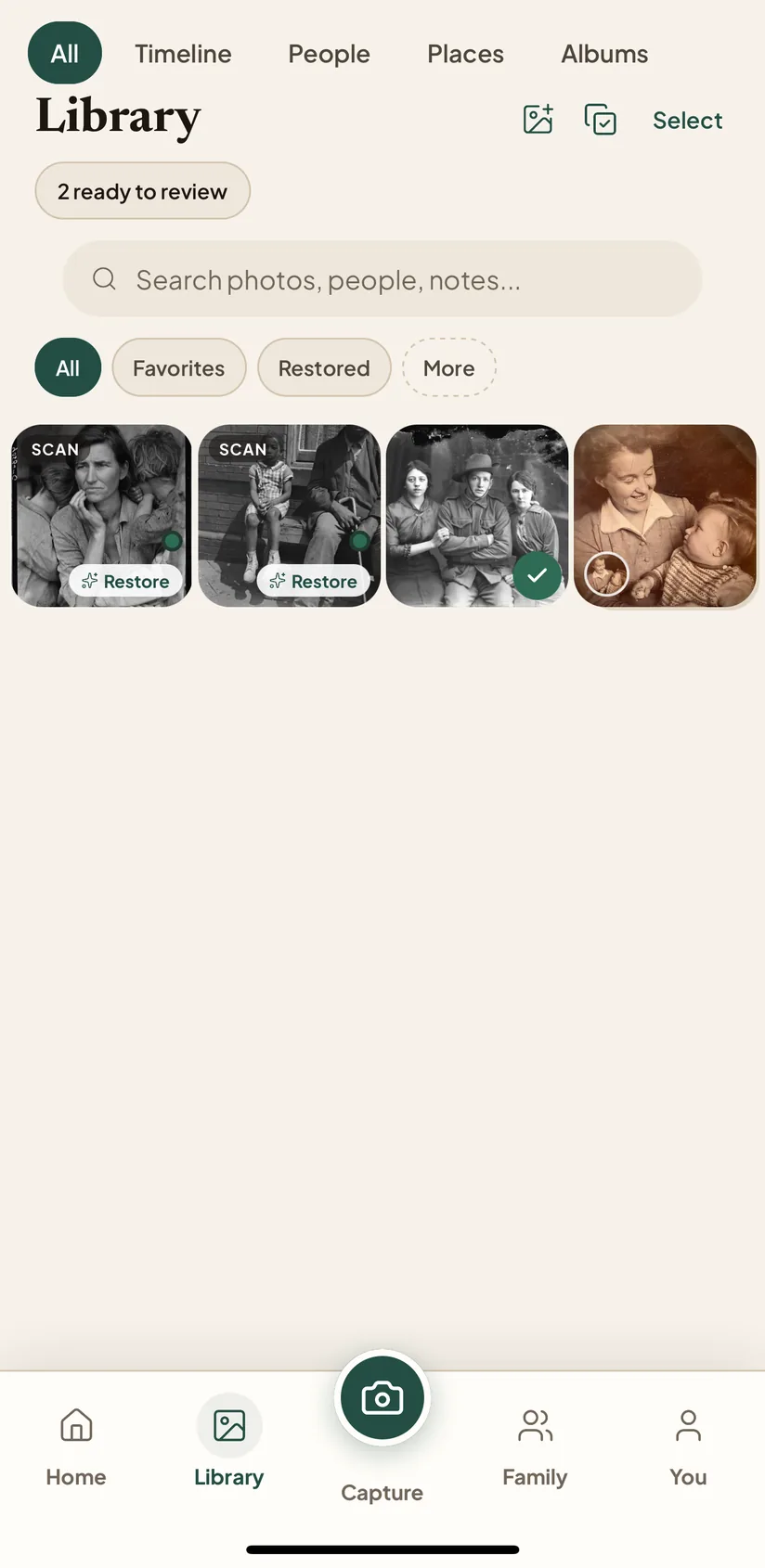
Restored keepers land in a private Archive you can browse by people, places, albums, or era. Your Original is always preserved, and you can improve a result or try another look anytime.
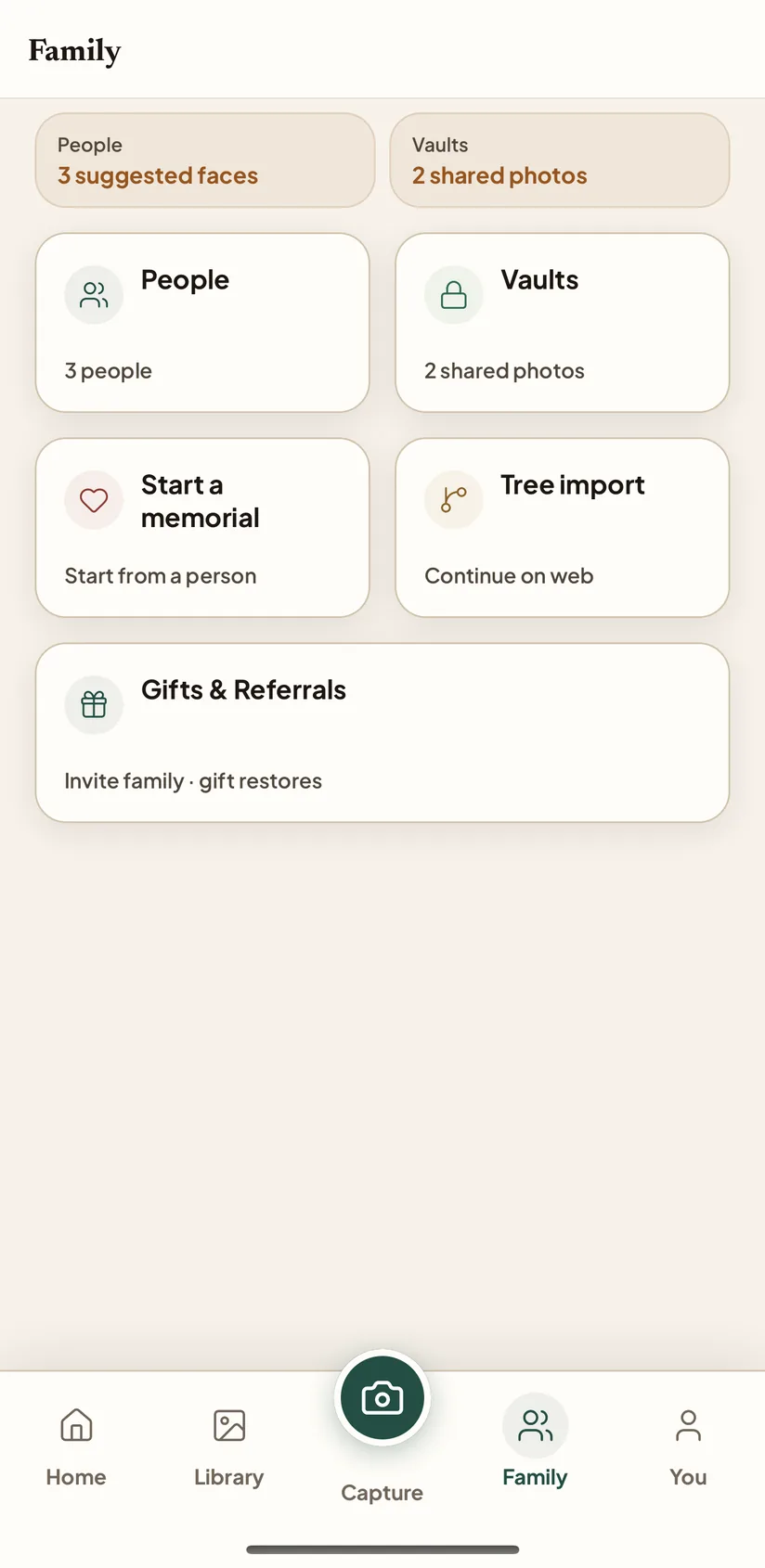
Browse the archive by face, relive 'on this day' memories, then share a private link or open a Family Vault for the whole branch.
Scan prints directly with your camera, restore on the go, review Photo Insight, compare the Original with the Keeper, and add people or story notes while the memory is still fresh. Everything syncs to web for larger archive cleanup.
Android is in Google Play testing while we work toward broader Play Store availability. Leave the Google account email you use on your Android phone. We will add eligible testers to the Android test; then you will receive the Google Play opt-in link needed to install the app. Until public Play availability is verified, we do not describe Android as publicly available.
Google Play requires tester opt-in before install access. Use the same Google account email you use on your Android phone so the invite works correctly.
The web app is best for batch upload, Albums and Timeline browsing, Progress & Review, Family People, GEDCOM tree import, duplicate cleanup, and paid Family Vault setup. Start in your browser, or open web when the archive needs more room than your phone.
Drop a GEDCOM export from Ancestry, MyHeritage, FamilySearch, RootsMagic, Family Tree Maker, Gramps, or FamilyEcho into Nostalgia and the archive will suggest which photos belong to which person, by name, era, and birth/death window. Read-only by design: your tree platform stays the source of truth, and mobile can browse the resulting People records.
Read the full overview in the family tree import guide.