Batch Processing
Working through a shoebox or album? Scan or upload a stack, choose which photos should continue, and let Photo Insight recommend the next best action for each one. Progress & Review keeps the batch visible while results finish in the background.
From shoebox to reviewed keepers
Scan or upload a stack
Capture printed photos on mobile or drag a group into Restore on web. Keep stack scanning separate from same-print rescan comparison.
Choose what continues
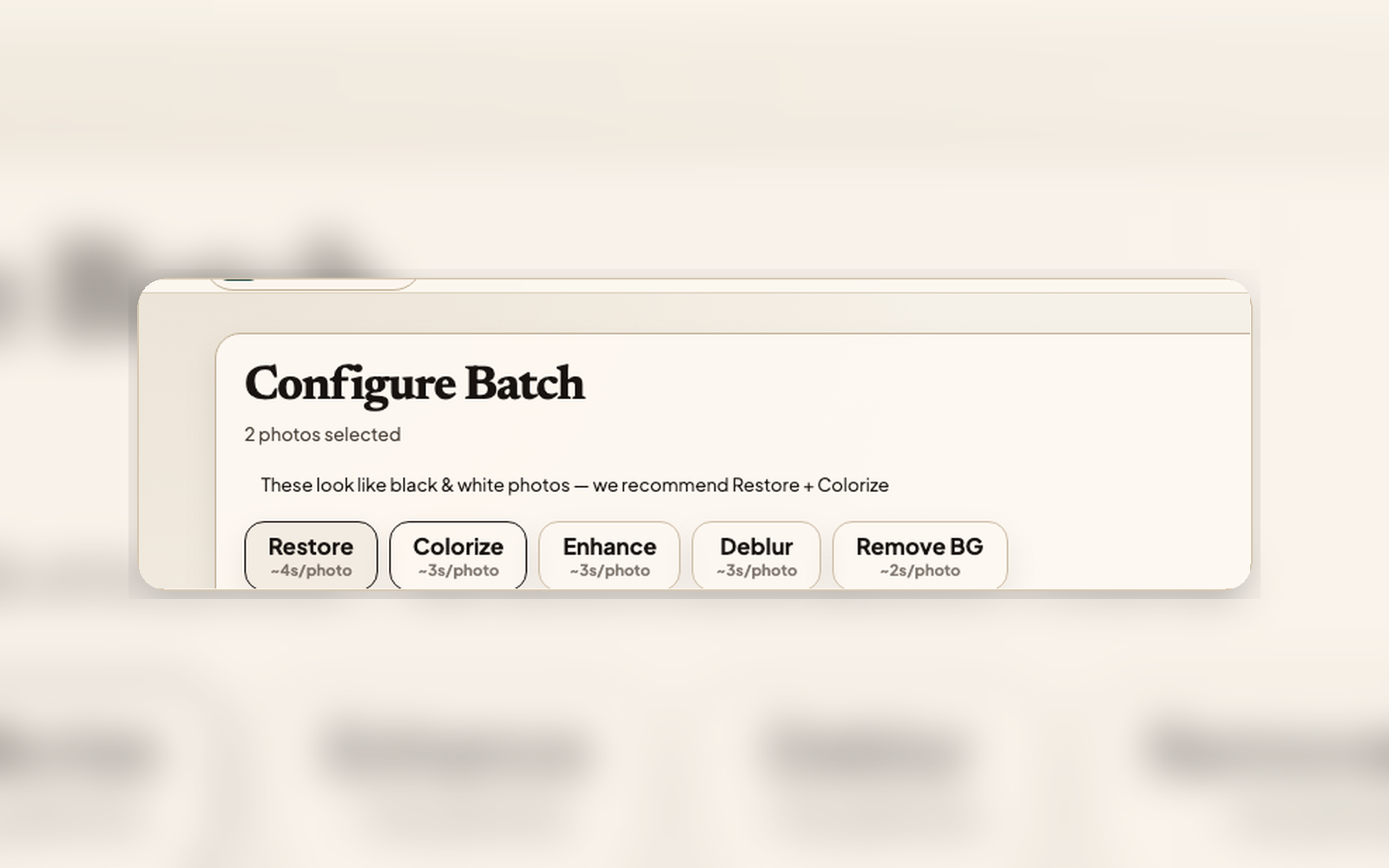
Each scan gets a quick quality check, so the review flags the shots that may need a better scan and starts the obvious redos unselected. Pick the keepers worth restoring and send only those into Photo Insight recommendations and background restore work.
Review and keep
Return to Progress & Review to compare each result with the Original, choose the Keeper, add context, and share privately.
Batch processing details
Progress & Review lanes
Newly scanned, Insight ready, restoring, ready to finish, and work that needs a decision stay in one Restore-owned queue.
Recommendation per photo
Each selected photo gets its own Photo Insight recommendation. The next best action stays tied to that source.
Clear restore usage
Each AI restoration step counts as one photo restore, same as single-photo processing. No extra cost for batch workflows.
Keeper-first Archive
Finished work does not end at processing. Choose the Keeper, keep the Original and Versions attached, then file the photo into the Archive or a Family Vault.
Retry on Failure
If an individual photo fails during batch processing, retry it without restarting the whole batch. Failed photos show specific guidance on what went wrong.
Plan room for larger stacks
A Family subscription gives the household a steady monthly restore allowance, and never-expire credit packs add restores on top whenever an inherited collection needs more, without changing the review workflow.
Completion notifications
Completion alerts bring you back to Progress & Review so you can compare, keep, caption, and share instead of hunting through Archive.
Work through the stack without losing context
Scan or upload photos in groups, choose what continues, and review finished keepers when they are ready.