Start
Begin with the photo source you have: upload, scan, check quality, and decide whether repair or a better capture is the right next move.
Start with the photo in front of you. The workflow keeps the next archive action obvious: check the source, repair carefully, add context, review similar photos, connect people and tree context, then share the finished keeper privately.
Free in your browser (no download needed), or get the iPhone app to scan prints on the go. Android is in testing.
Start from the photo in front of you. Each path points to the smallest workflow that moves the archive forward.
Check the source, repair age damage, and keep the original beside the restored keeper.
Start a restoreUse Photo Insight to spot weak scans, damage types, and the safest repair path before processing.
See Photo InsightBatch uploads, Progress & Review, albums, duplicates, and timelines keep the shoebox moving.
Plan a batchConfirm faces, add names, and make the archive browsable by person instead of filename.
See PeopleSend one finished photo with a private link or use Family Vaults on paid plans for larger family spaces.
See sharingFaithful repair comes first. Optional color and generative work stay reviewable, and nothing becomes the keeper until you choose it.
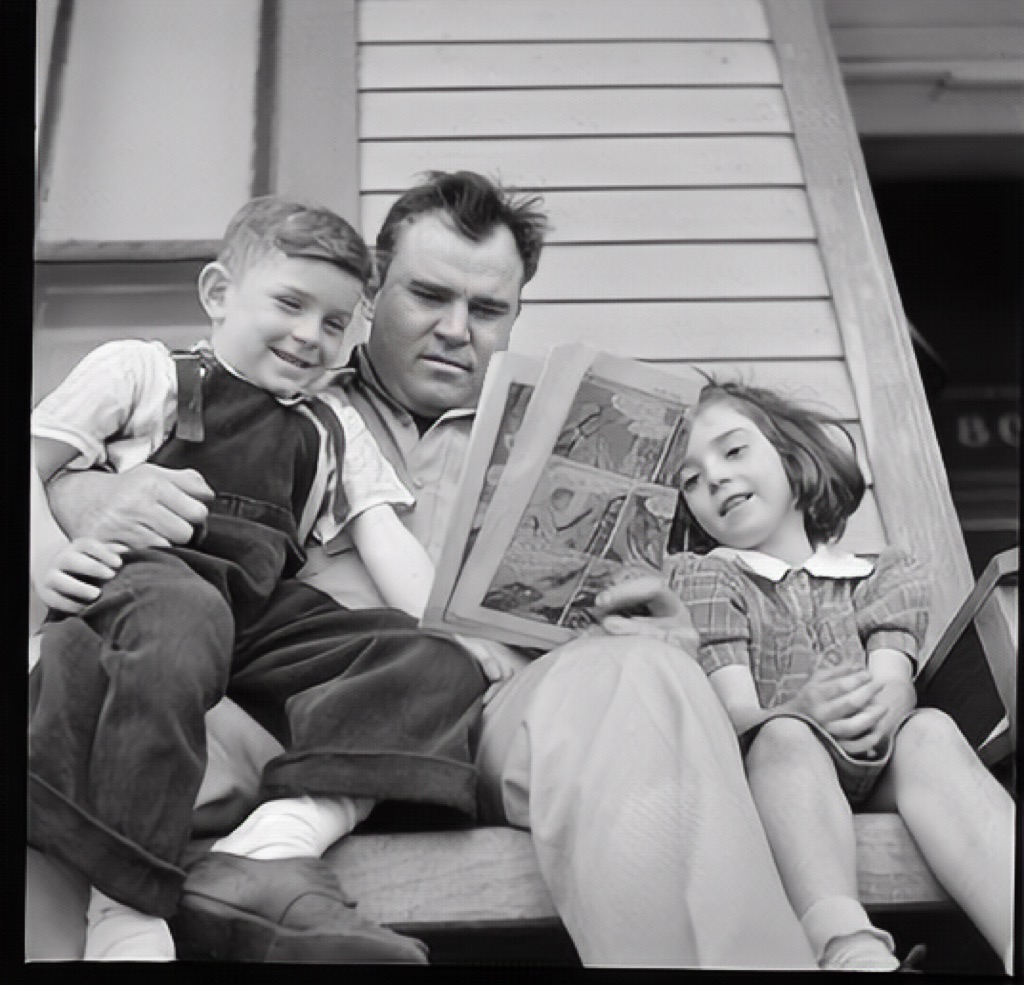
Show the original next to the restored keeper so families can judge whether the likeness and record still feel trustworthy.
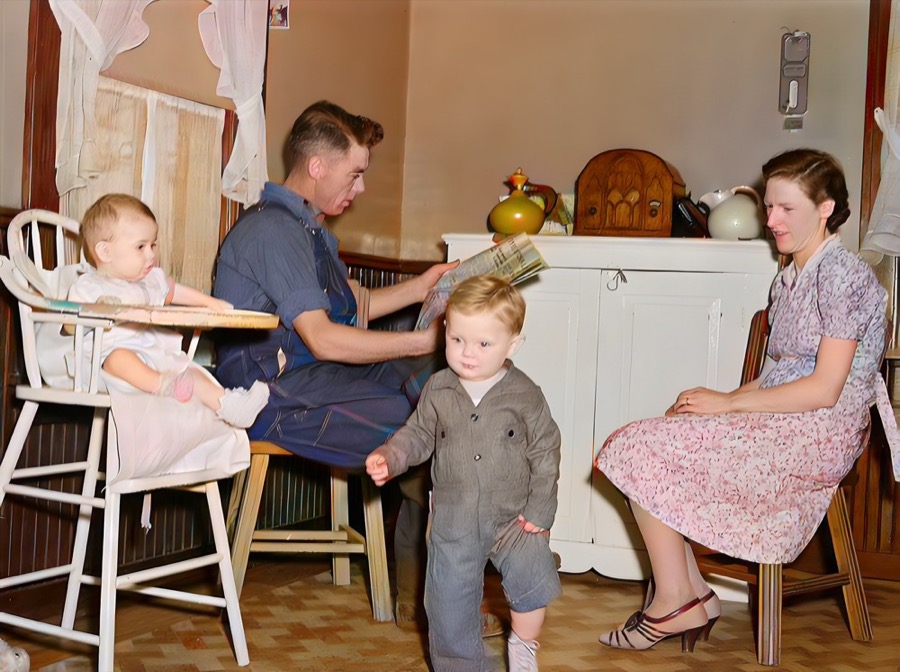
Black-and-white restoration remains available even when a colorized companion helps relatives read the scene.
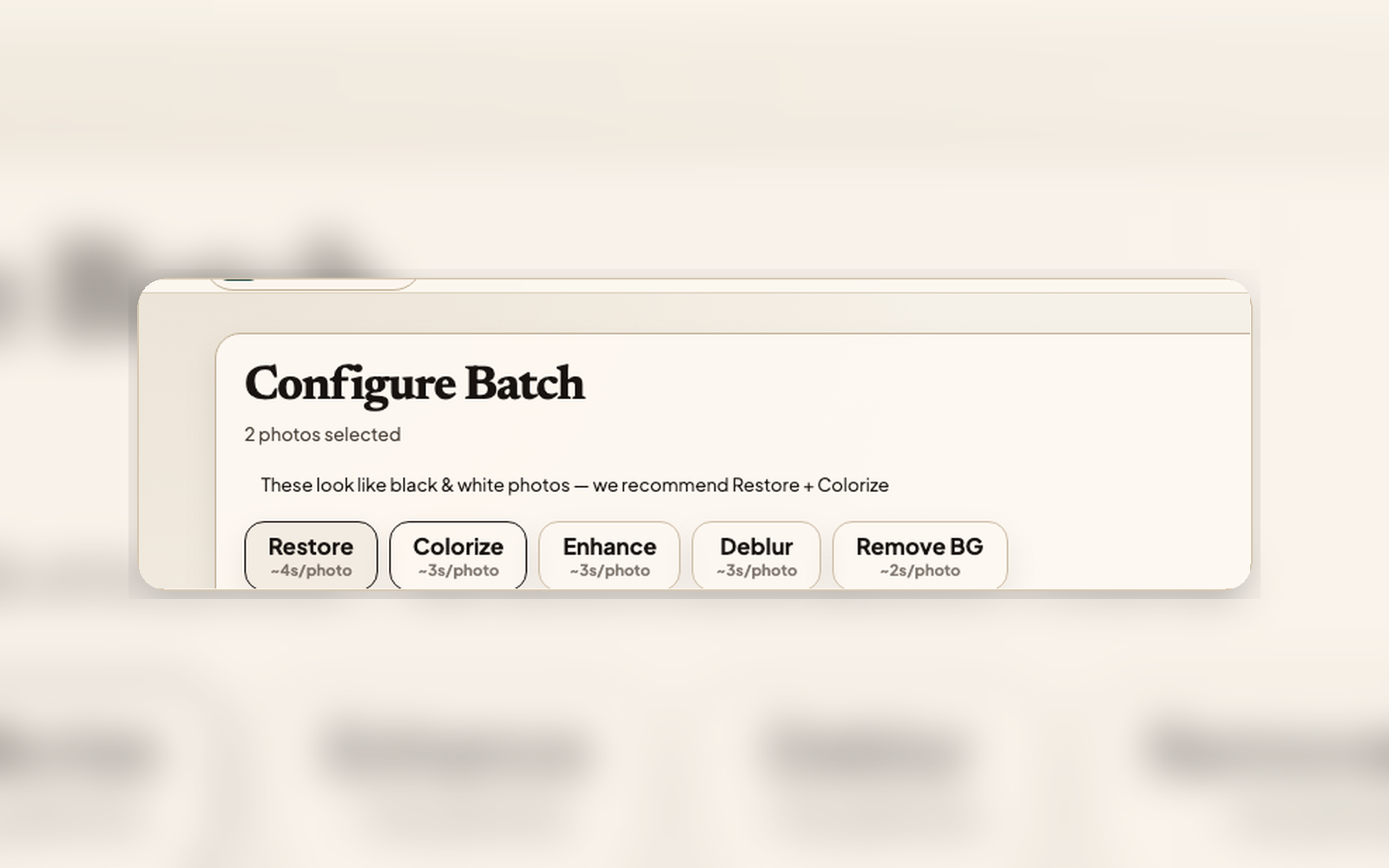
Batches, retries, keepers, captions, and share follow-through return to one review area so the next decision is easy to find.
These are the steps most families use first: check the photo, repair carefully, keep context, name people, and share privately.
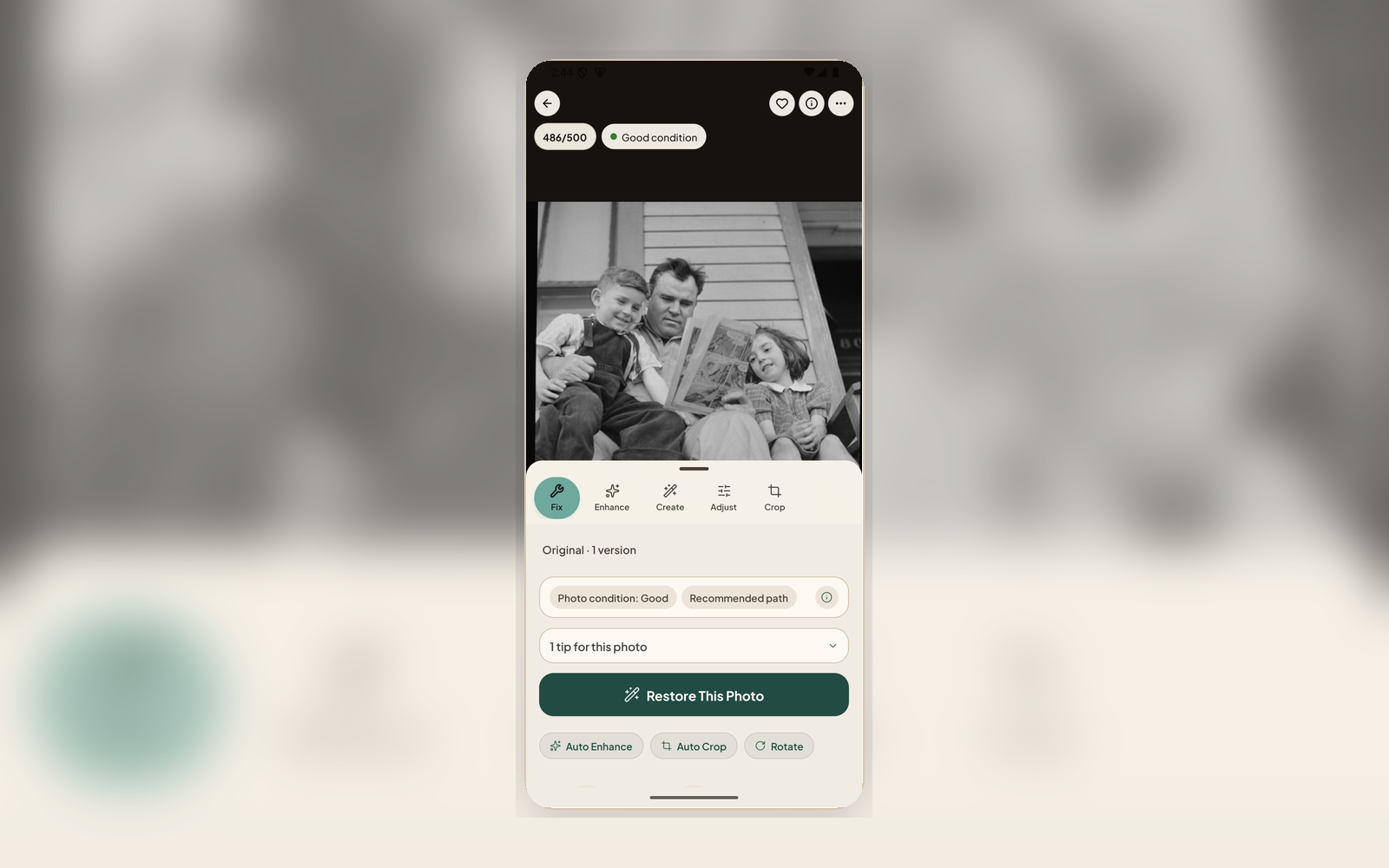
Use before spending a restore. It checks the source, estimates effort, and sequences safe steps plus optional follow-ups across repair, denoise, deblur, enhance, color, crop, and adjust. It flags up front when a photo may not restore well, and it never dead-ends: there's always a 'Restore anyway' beside the recommendation, so the call stays yours.
Use when age damage is the main problem. It repairs scratches, tears, fading, and worn surfaces while keeping the Original preserved for comparison. If a result isn't quite right, improve it in place or try another look. A quick thumbs rating helps pick a stronger model next time, and every restore is kept as its own version.
Use to record who, when, where, what, and story details. Notes travel with the photo so context survives beyond the first share.
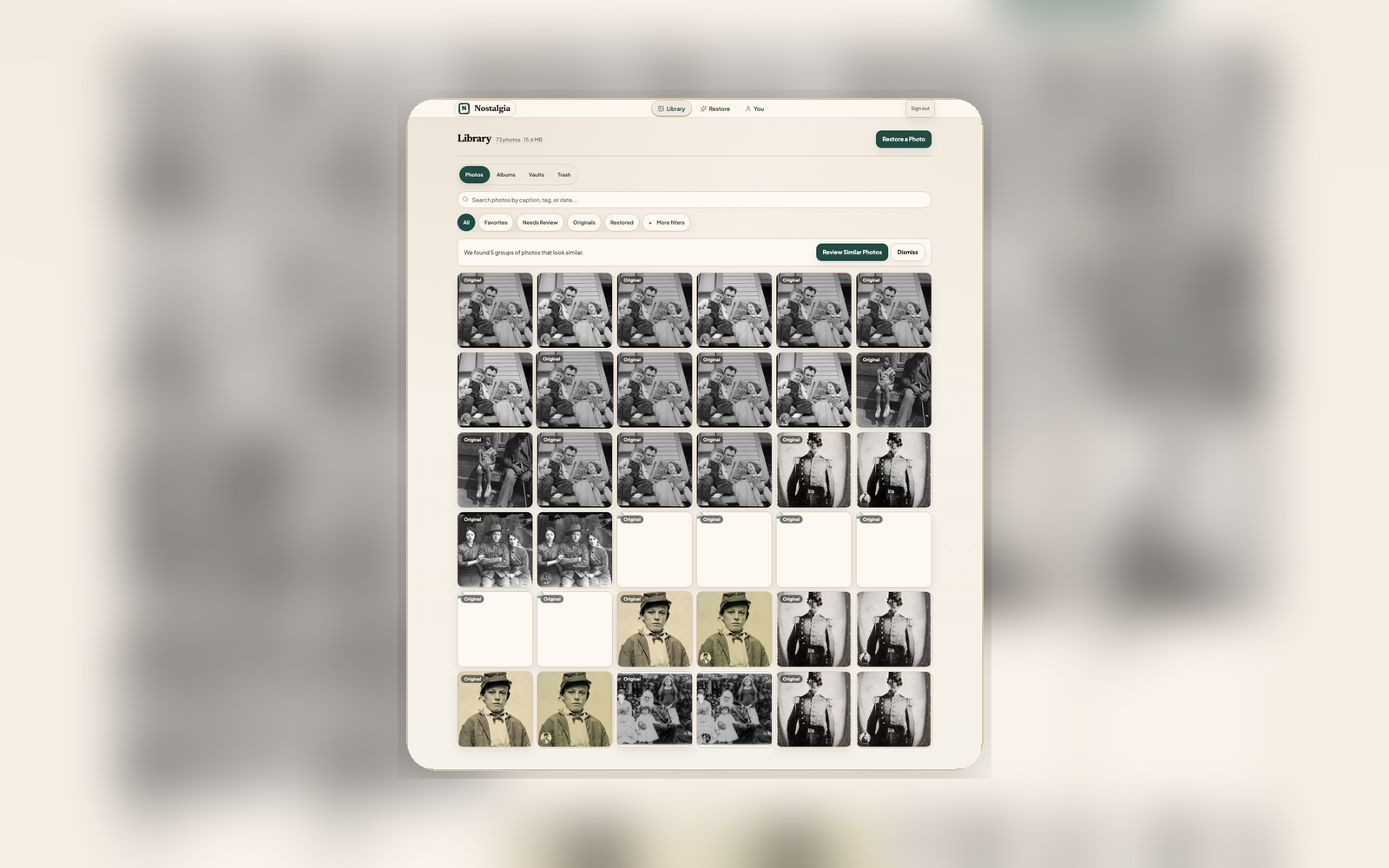
Use when names are the most important missing context. Confirm private face groups, name relatives, and browse the Library by person on web or mobile.
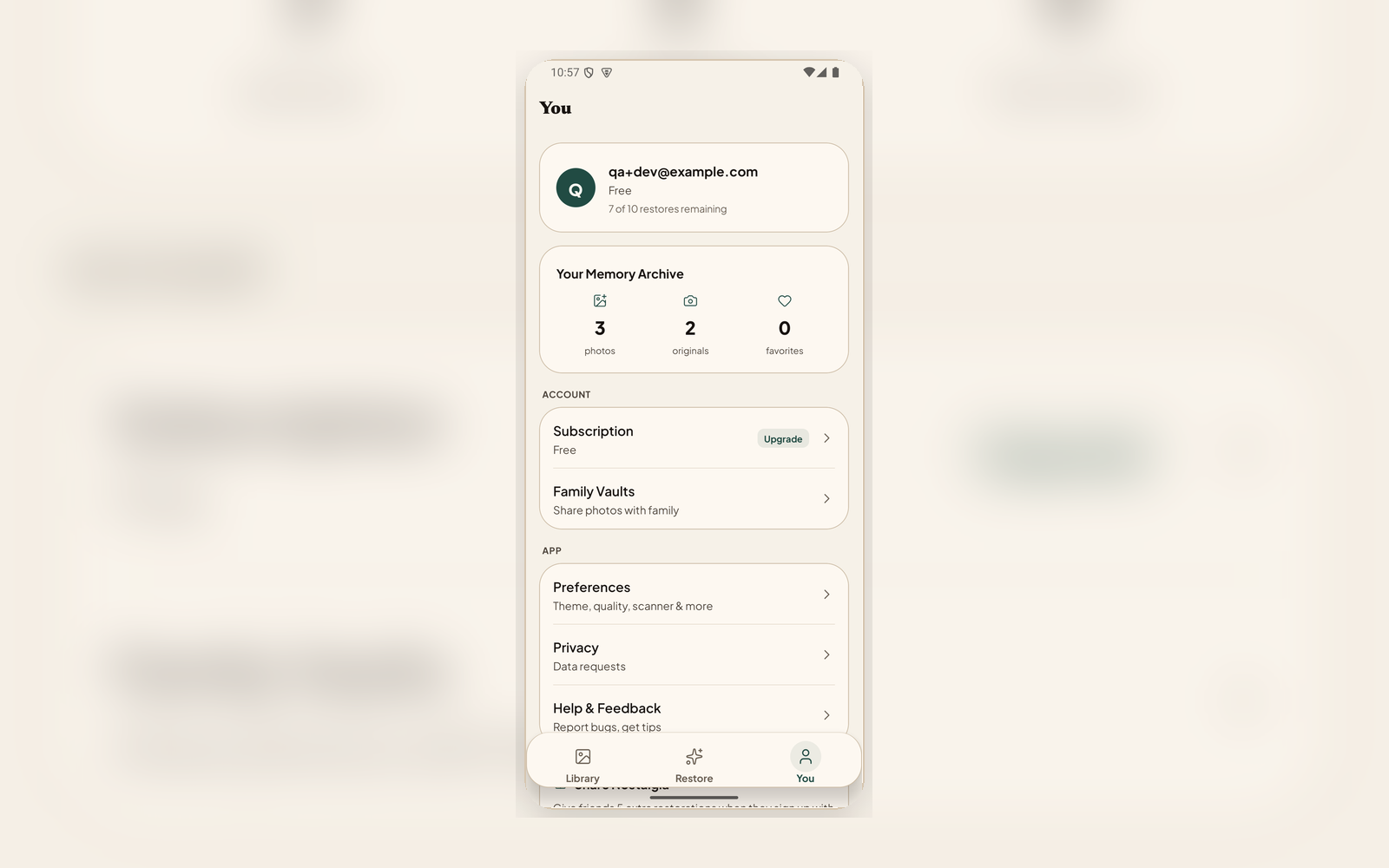
Use when a branch, event, or person needs a private shared space. Invite relatives without making the archive public.
A compact reference for specific needs. The default path should still be Photo Insight, repair, context, and private sharing.
Begin with the photo source you have: upload, scan, check quality, and decide whether repair or a better capture is the right next move.
Make the photo usable without changing what matters. Repair visible damage first; use blur, glare, grain, face detail, color, and enhancement tools only when the source needs them.
Capture the knowledge around the photo: who is in it, what was written on the back, what story belongs with it, and how it connects to the family tree.
Turn restored photos into a durable archive. Keep originals and keepers together, clean up repeated scans, process batches, and return to work that still needs review.
Let relatives see the keeper without receiving clutter. Use private spaces, links, reveals, memorials, and synced devices to make the archive usable by the whole family.
Family photos are irreplaceable. Nostalgia keeps them private, preserves your ownership, and never trains AI on your photos. Export or delete your data anytime. Restoration is best-effort: we surface what AI changed, never overwrite the original, and keep version history so you can always go back.
Scan or upload one old photo, see what Photo Insight flags, and keep the original, keeper, and context together.