Family Vaults
Share restored photos with family in a private, invite-only space. Assign roles and collaborate on preservation together, without giving up privacy or control. Free accounts can share individual photos with private links; shared, multi-member Family Vaults are part of the Family plan.
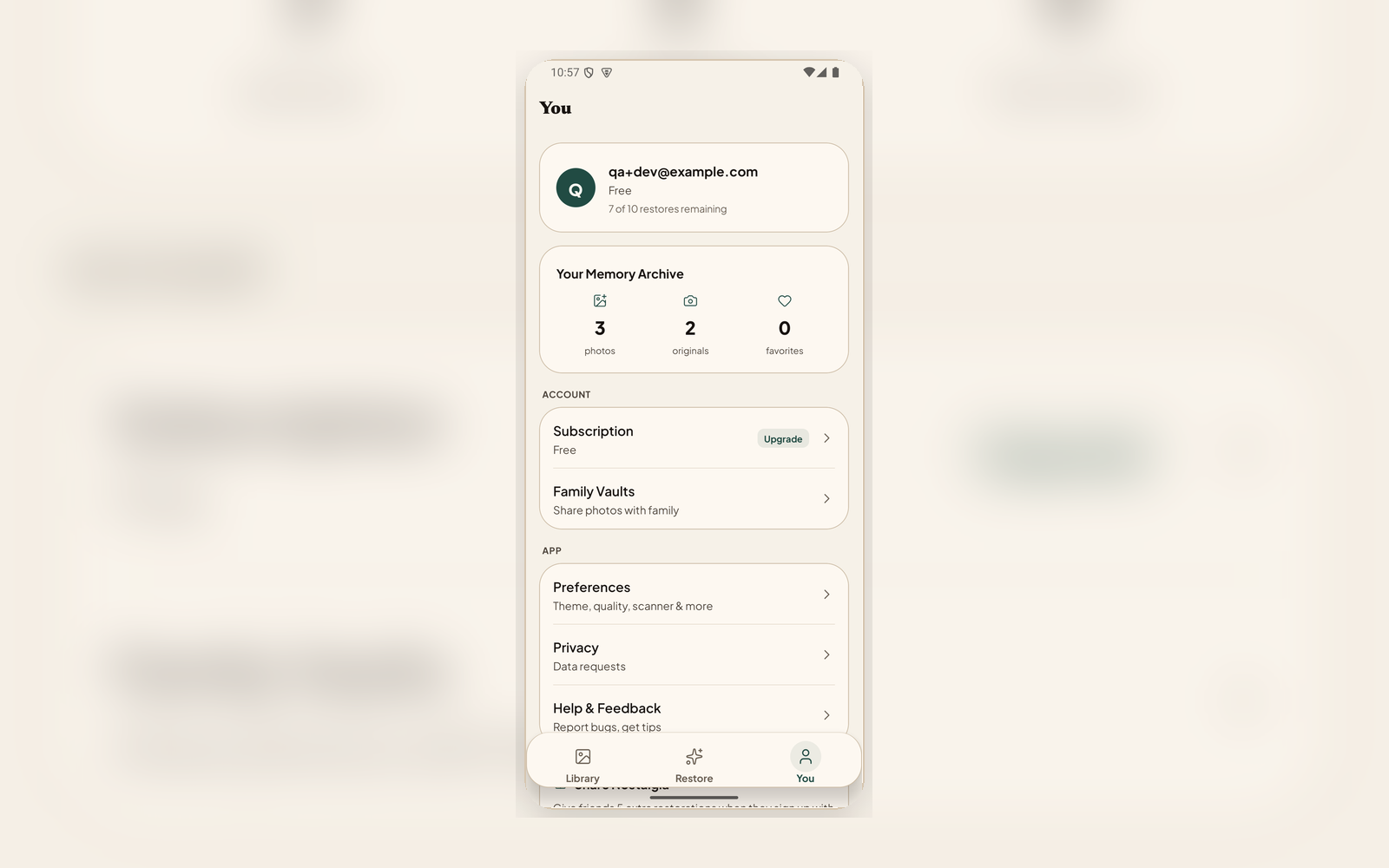
Three steps to a shared vault
Create a Vault
Name your vault and choose who can join. Each vault is completely private to its members.
Invite Family
Invite members by email and assign roles: owner, editor, or viewer. Control who can add, edit, or just browse.
Share Restorations
Add restored photos to the vault directly from the result screen. Everyone in the vault sees them instantly.
Built for families
Role-Based Access
Owners manage membership and settings. Editors can add and organize photos. Viewers can browse and download without changing anything.
Private by Design
Every vault is invisible to anyone outside its membership. Photos shared to a vault stay private to its members.
Add from Results
After restoring a photo, add it to any vault you belong to directly from the result screen, no extra steps.
Cross-Device
Vaults work on web and mobile. Your shared photos sync across all devices.
Preserve memories together
Create a Family Vault, invite your family, and start sharing restored photos in a private space.