Never used to train AI
Your uploads and restored outputs are not part of any training dataset. Human review is limited to safety or support cases you raise.
Nostalgia - Family Archive
For Family HistoriansKeep your tree in Ancestry, MyHeritage, FamilySearch, RootsMagic, FamilyEcho, Family Tree Maker, or Gramps. Use the mobile app for scanning, careful repair, likeness review, names and notes, then use web for tree import, larger batches, and private sharing spaces.
Free starts with 30 never-expire welcome credits. iPhone is on the App Store, Android is rolling out through Google Play testing, and web is the companion workspace for tree import and larger review.
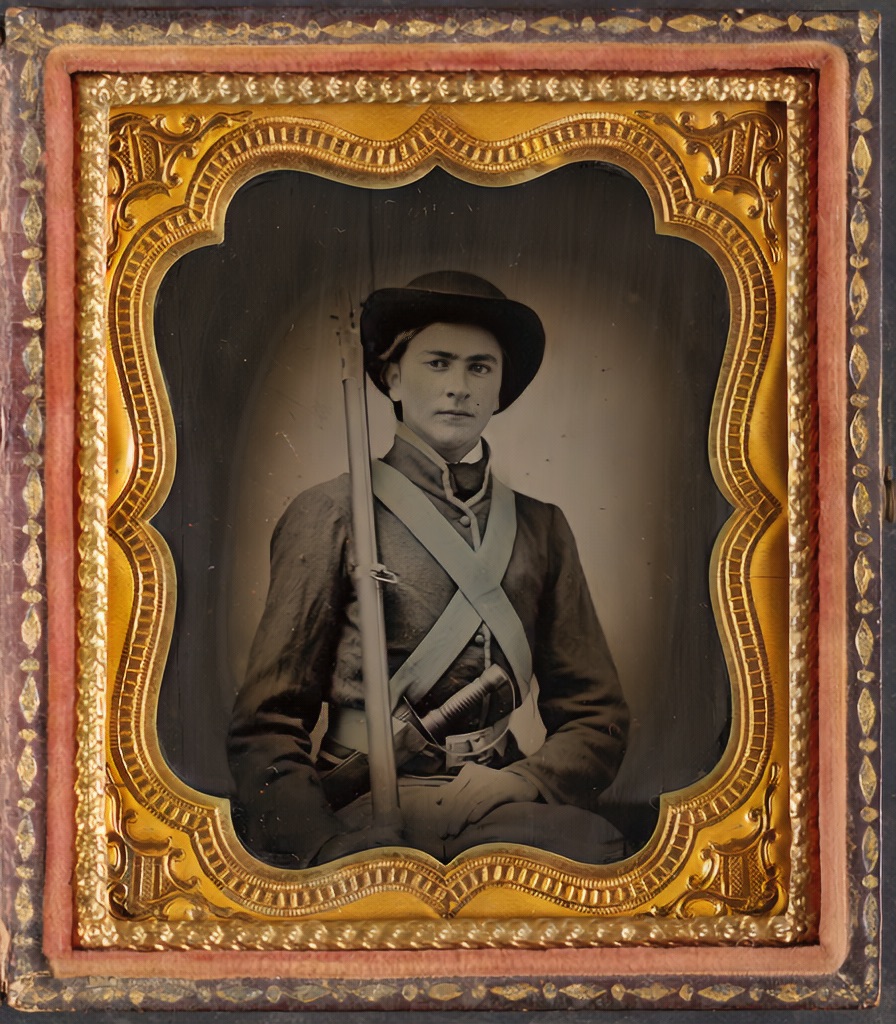 Restored
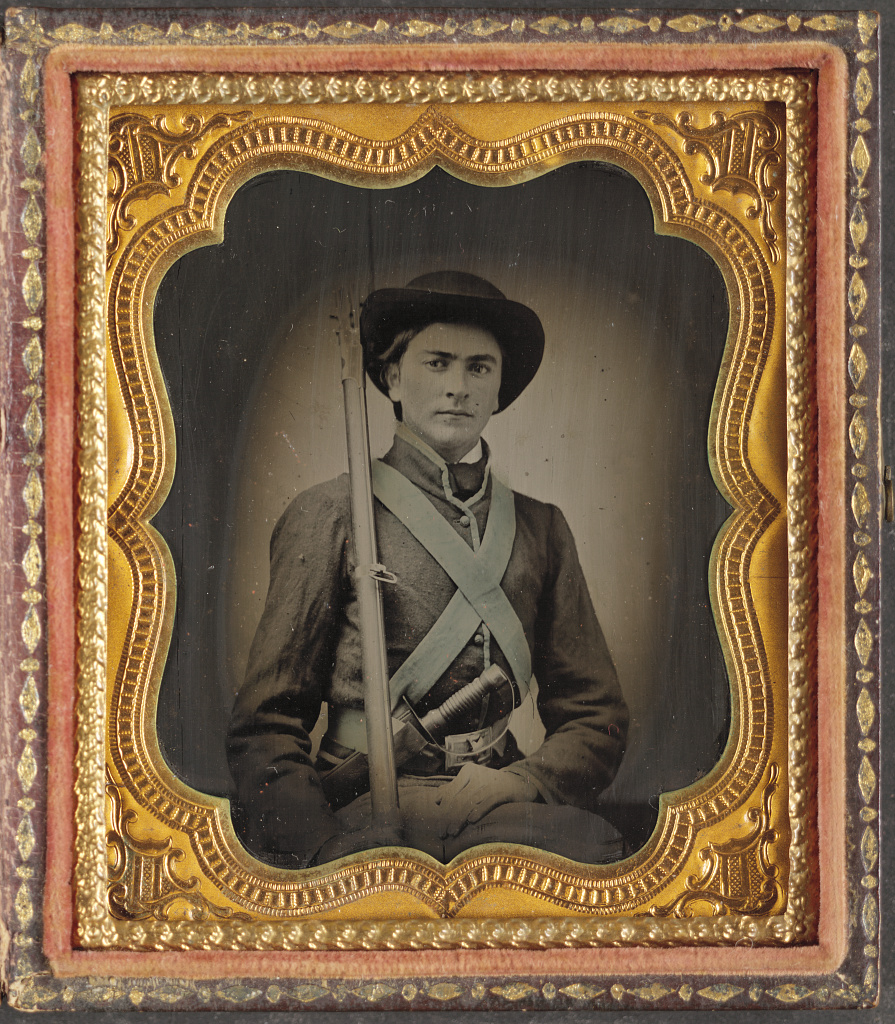 Original
Repair first, keep the archival master, add color only when it helps tell the story.
Ancestry, MyHeritage, and FamilySearch are good at names, records, DNA, and relationships. Nostalgia is for the part of family history most tools skip: the photos themselves.
The result: photos that still look like your ancestors, captions that survive the next generation, and an archive relatives can actually open.
Boundary: your tree software remains the source of names, records, DNA, and formal relationships. Nostalgia keeps the photo side organized around that work without becoming another tree editor.
General-purpose AI enhancers were built for selfies. Pointed at a great-grandmother, they happily smooth her face into someone who isn't quite her. Nostalgia is designed the other way around: repair what's broken, preserve what's real, and keep the likeness that lets you recognize the person on your tree.
 RestoredOriginal
Restored view keeps the original tonality. Colorization is a separate, optional companion view.
Your uploads and restored outputs are not part of any training dataset. Human review is limited to safety or support cases you raise.
Original scans and restored versions stay yours. Export or delete the full archive at any time.
Private links are off unless you turn them on. Paid Family Vaults are invite-only spaces for relatives.
Details in the Privacy Policy and AI Policy.
The goal is not to finish everything at once. Start with the photos that need names or repair first, then build a repeatable rhythm for the rest.
Sort the shoebox into priority people, priority events, and everything else. Scan the first two stacks first so the collection becomes a manageable queue.
Use 600 DPI on a flatbed when possible, or scan with the Nostalgia app. Glare burst handles glossy prints and album pages split into separate photos. Capture the reverse of every print when handwriting, dates, or places are present.
Start with a Photo Insight recommendation. Compare before and after. Accept the Keeper when the likeness is right. Color is a companion view, not a mandatory final step.
Edit the caption draft with real names, tag the people you recognize, and add Who, When, Where, What, and Story notes while the details are easy to confirm.
Use private links for a single keeper, or paid Family Vaults for invite-only branch spaces where relatives can browse and contribute.
Start with the app for scanning and restore. One portrait, one Keeper decision, see whether the likeness holds up.
Get the iPhone appUse web for tree import, review queues, and inherited collection planning before or after mobile capture.