Bring in the tree you already built. The archive organizes around it.
Already keep a family tree in FamilyEcho, Ancestry, MyHeritage, RootsMagic, Family Tree Maker, Gramps, or FamilySearch? Export GEDCOM, GEDZIP, or FamilyEcho FamilyScript, drop it into Nostalgia on the web, and the archive suggests which photos belong to which person, matched by name, era, and birth/death window. Import on web. Browse the result on every device.
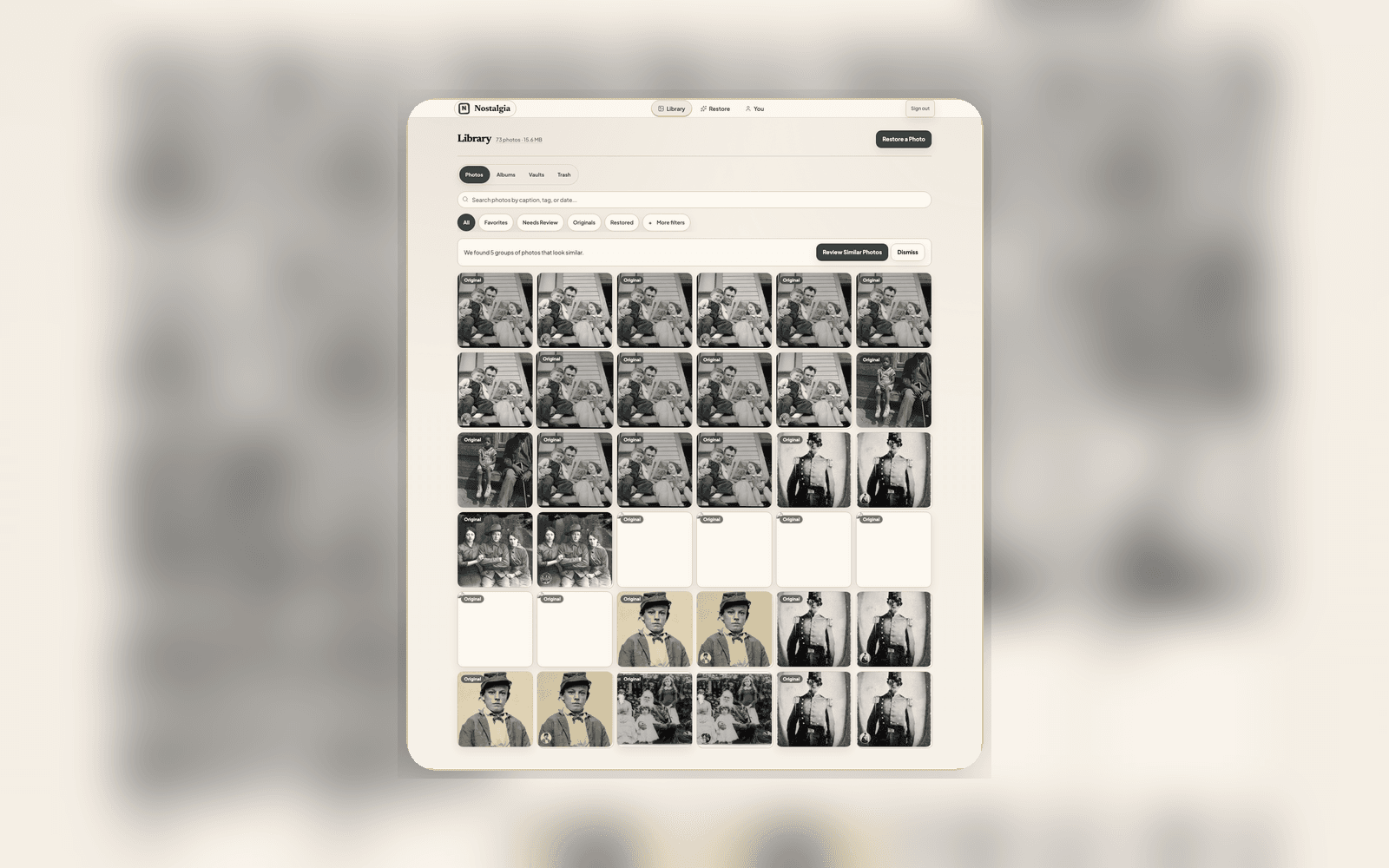
Per-person photo suggestions ranked by name and era confidence
From a tree export to a populated archive
Export from your tree
FamilyEcho, Ancestry, MyHeritage, FamilySearch, RootsMagic, Family Tree Maker, and Gramps can all hand Nostalgia a tree file. GEDCOM is the default; GEDZIP and FamilyEcho FamilyScript work too.
Upload on web
Drop the file into Nostalgia’s web import flow. You see a preview of every person and relationship before anything is committed.
Review per-person suggestions
For each person, Nostalgia ranks the top photo candidates from your archive, by name match and era confidence. Confirm or skip, photo by photo.
Family tree import is a signed-in web workflow
Restore one photo if you are new to Nostalgia. If your archive already has photos and you have a tree export, open the web import flow to preview people and confirm photo suggestions.
What family tree import does, and what it doesn’t
Read-Only by Design
We don’t want to be your tree-editing software. Keep editing the canonical tree in your genealogy software. Re-import the tree whenever you want the archive to reflect new branches.
Confidence-Scored Suggestions
Each per-person suggestion is scored on name clues and whether the photo’s likely era fits that person’s life dates. The strongest suggestions appear first; the rest stay searchable.
Web Import, Universal Browse
Tree upload is a web action. Once committed, person records and confirmed photo links appear in your Archive on iPhone, Android, and web alike.
Privacy
The imported tree stays inside your private archive. We never share or cross-reference your tree against other users. Delete the imported tree any time and every derived link goes with it.
Stop tagging photos by hand. Let the tree do the work.
If you’ve already built a family tree, your archive can organize itself in an afternoon. Import on web, confirm the photo suggestions, done.