Deblur Old Photos
Use deblur when a phone capture or old print is soft from camera shake and a better scan is not available. It helps make the image usable before repair.
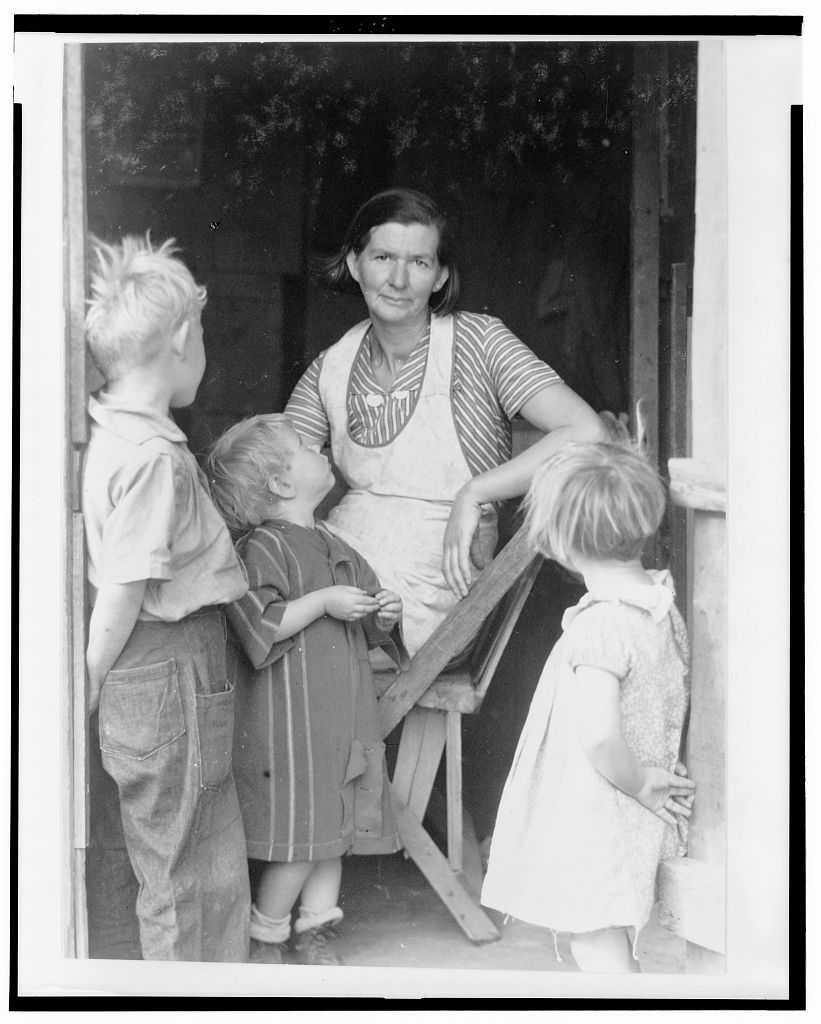 After
After Before
Drag to compare the original with the deblurred version
Check, deblur, review
Check blur first
Photo Insight separates blur from fading or surface damage so you know whether deblur belongs before restore.
Recover usable detail
The deblur pass targets camera shake and softness while keeping the original capture available for comparison.
Review before repair
Compare the sharper version, then restore, color, enhance, or rescan if the source still does not support a faithful result.
When deblur helps most
Phone Captures
Camera shake and motion blur from handheld phone photos are the most common source of softness. Deblur recovers detail that would otherwise be lost.
Photos-of-Photos
Taking a phone photo of a framed print or album page introduces blur from angle, lighting, and distance. Deblur sharpens the underlying detail.
Soft Focus Originals
Consumer cameras from the 1950s-1970s often produced slightly soft images. Deblur can recover some of that lost sharpness from the original capture.
When NOT to Use Deblur
If you have access to the original print, a clean flatbed scan at 600+ DPI will always outperform deblurring a phone snap. Deblur is for when rescanning is not an option.
This step belongs to the family archive
After the tool runs, the Original, Keeper, Photo Insight, captions, people, notes, and private shares stay together in Archive. The result is not a loose download; it becomes one more finished record in the archive.
Sharpen your blurry photos
Upload a blurry phone capture or photo-of-photo, check whether deblur is the right first step, then continue only if the result helps.